
Clear, step-by-step guidance designed to be easy to follow.
ECDA education
Each video includes practice STL files so you can follow along with every workflow 💻 🖱️
New tutorials and additional content will be added
✔️ 1. Exocad Intro
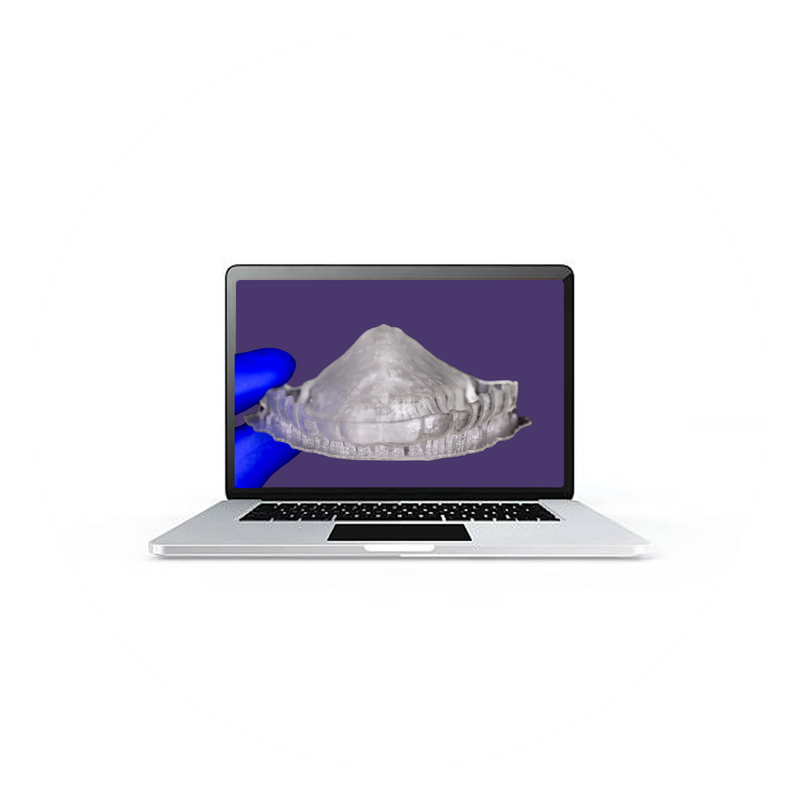
✔️ 2. Bite Splint
✔️ 3. Deprogrammer
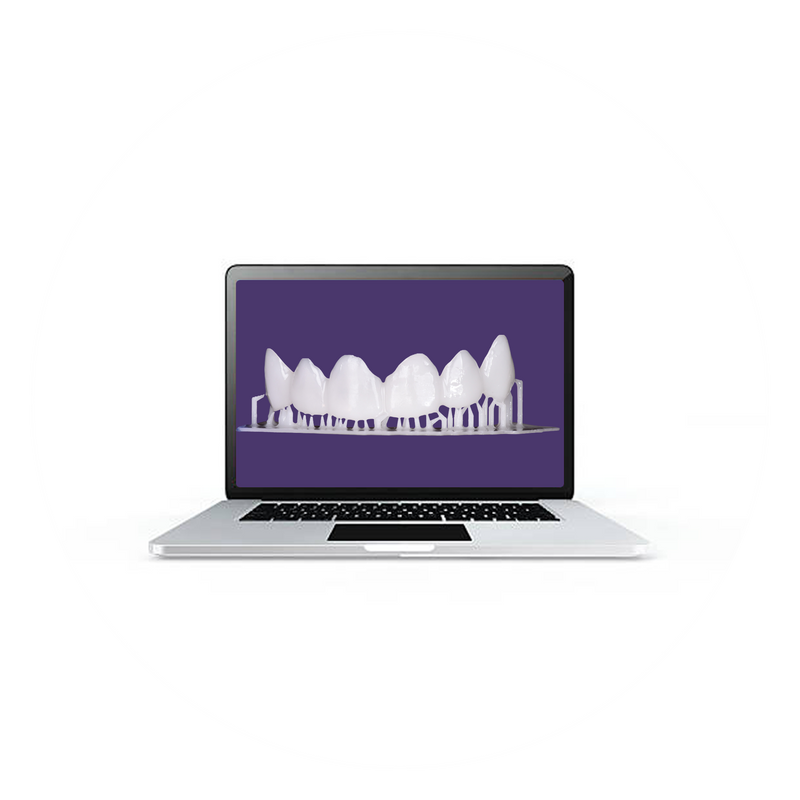
✔️ 4. Crown Design
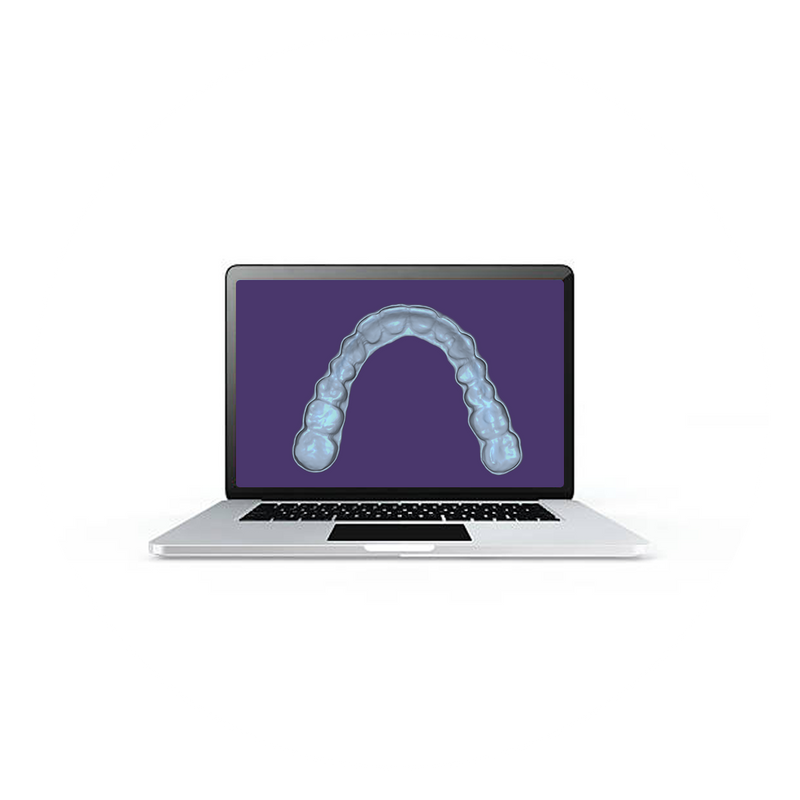

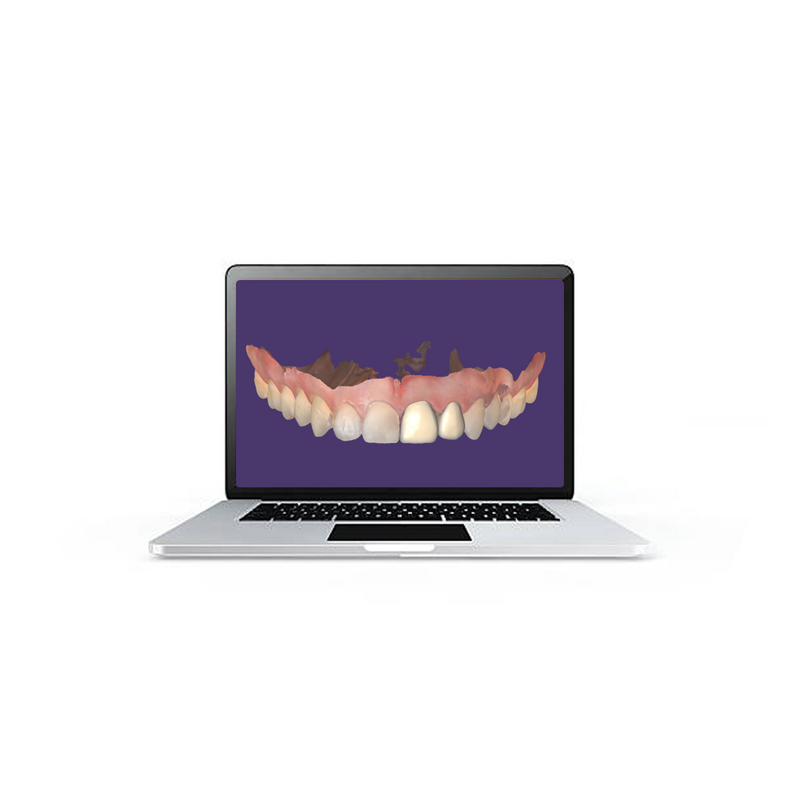
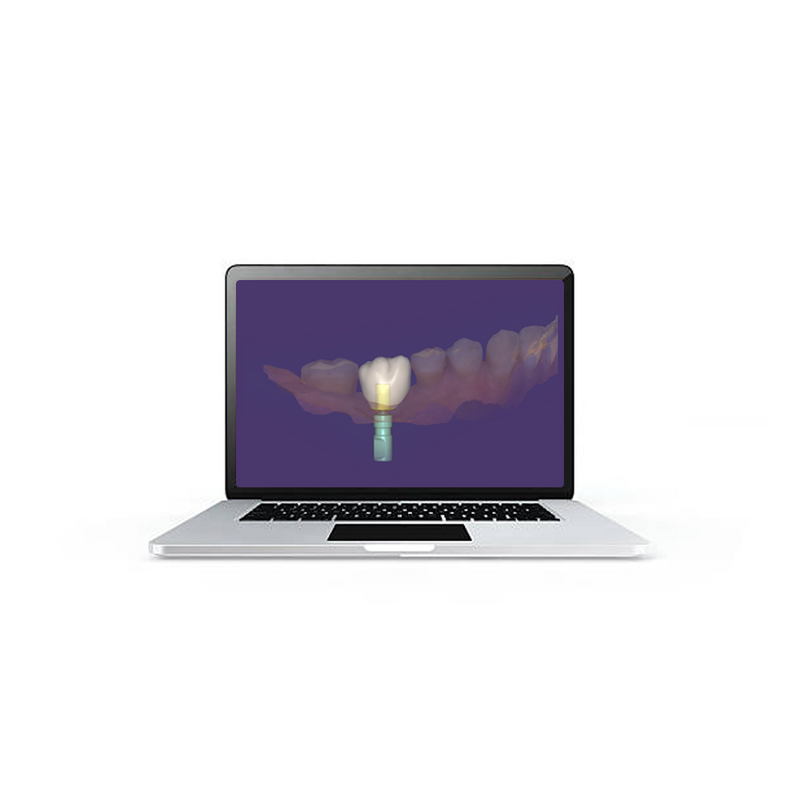
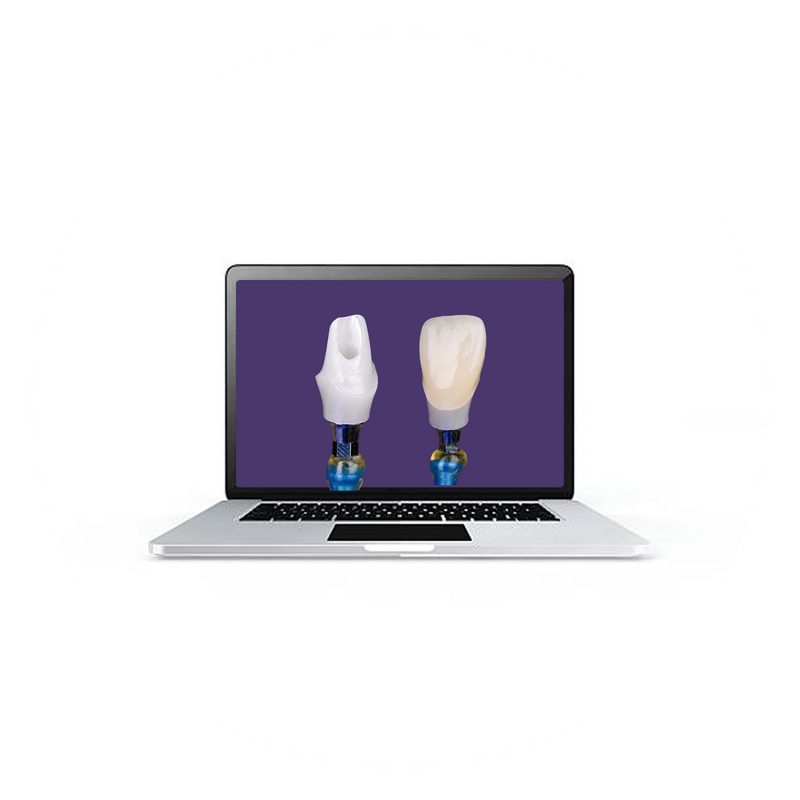
✔️ 5. Ti-Base Screw type Implant Crown
✔️ 6. Crown Abutment Design
✔️ 7. Implant Crown with Screw Hole
✔️ 8. Bridge Design
✔️ 9. Bridge with Gingiva Design
✔️ 10. Veneer Design
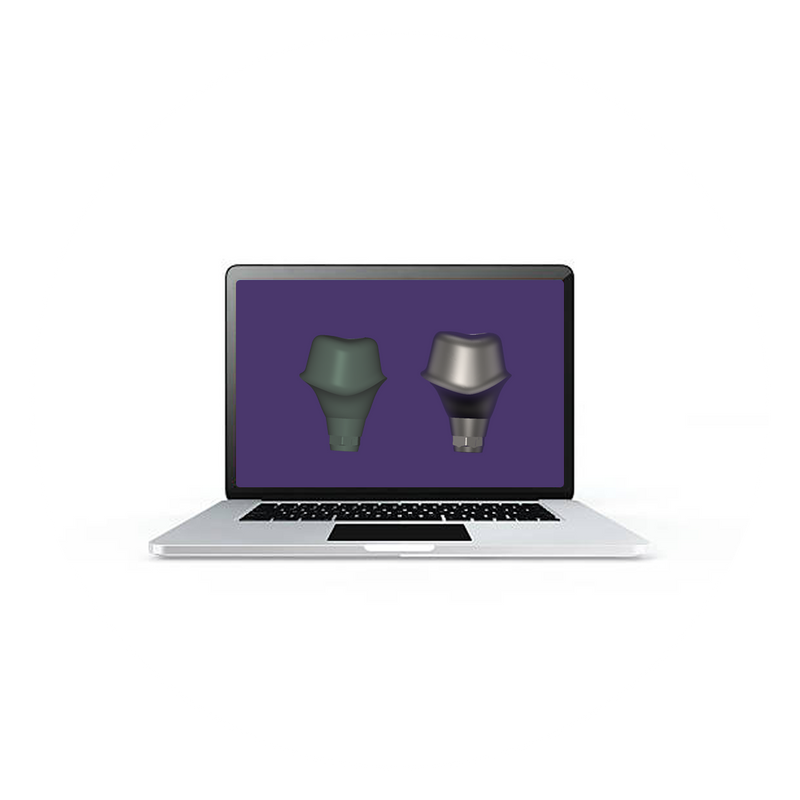
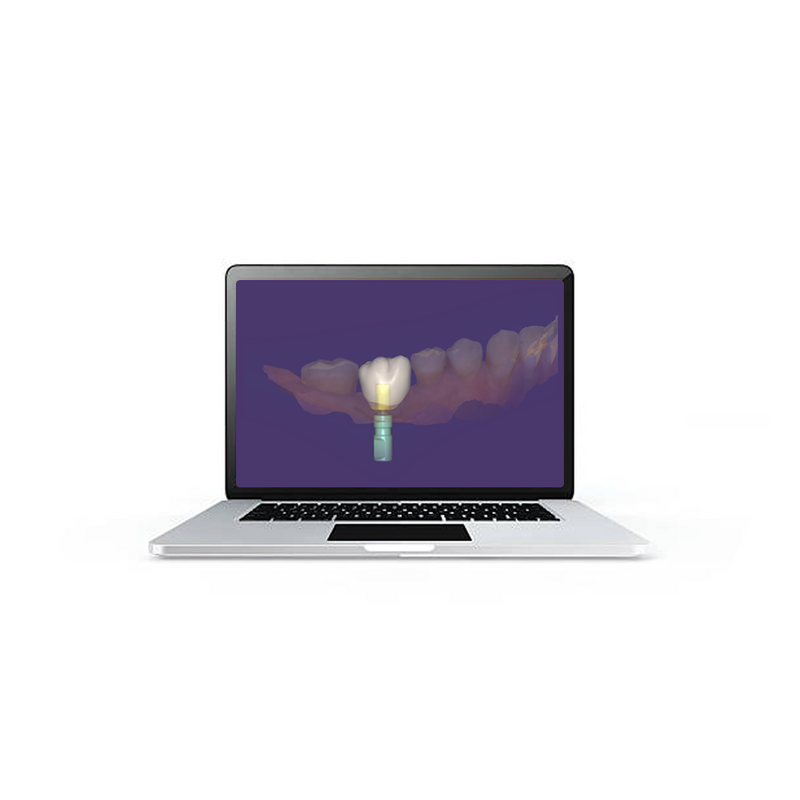
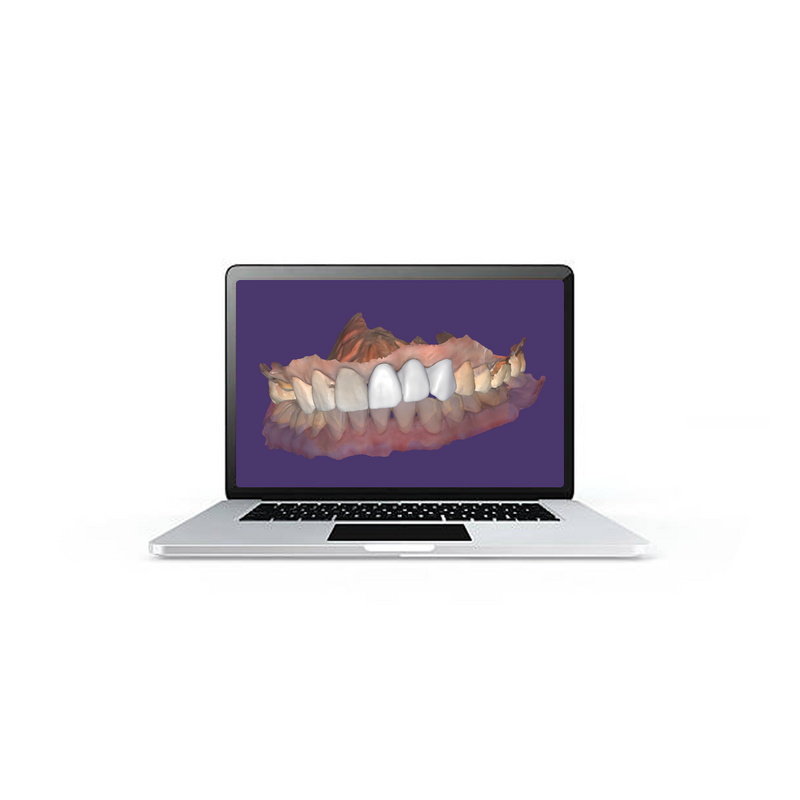

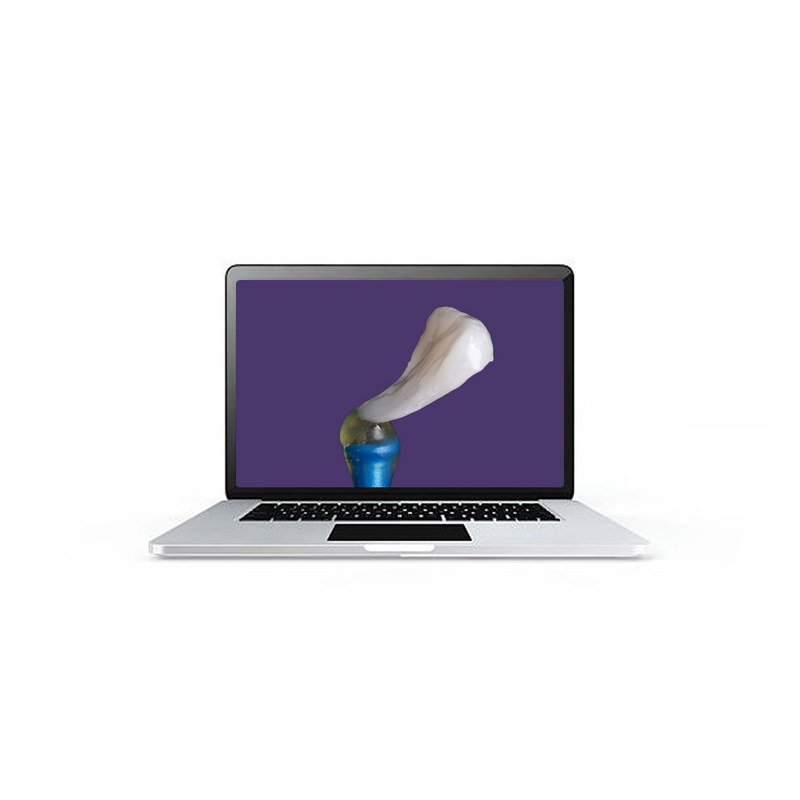
✔️ 1. Flipper
✔️ 2. Anatomical Surgical Guide
✔️ 3. Provisional Template
✔️ 4. Maryland Bridge
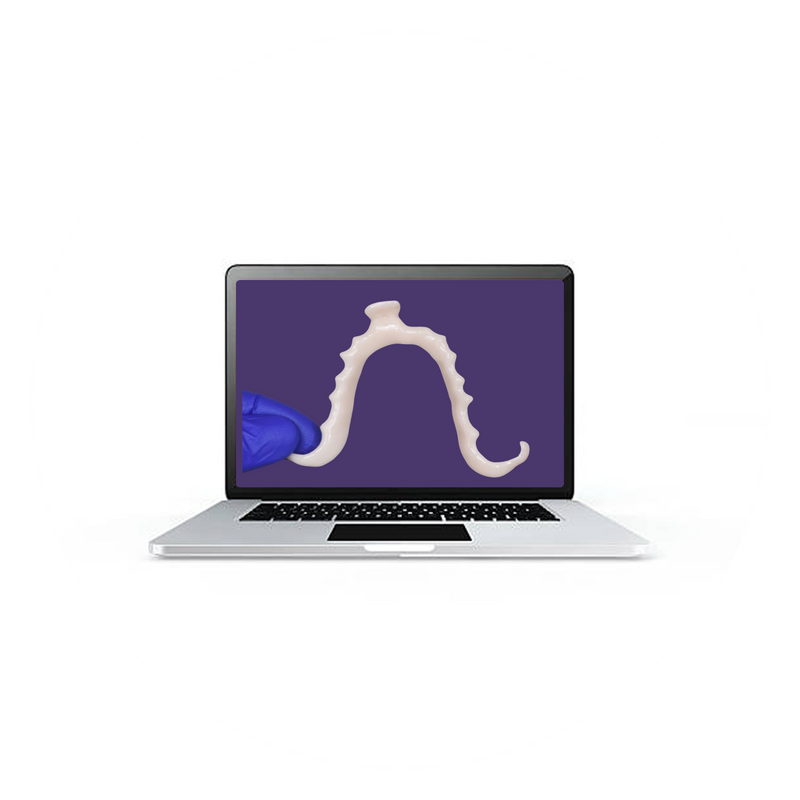
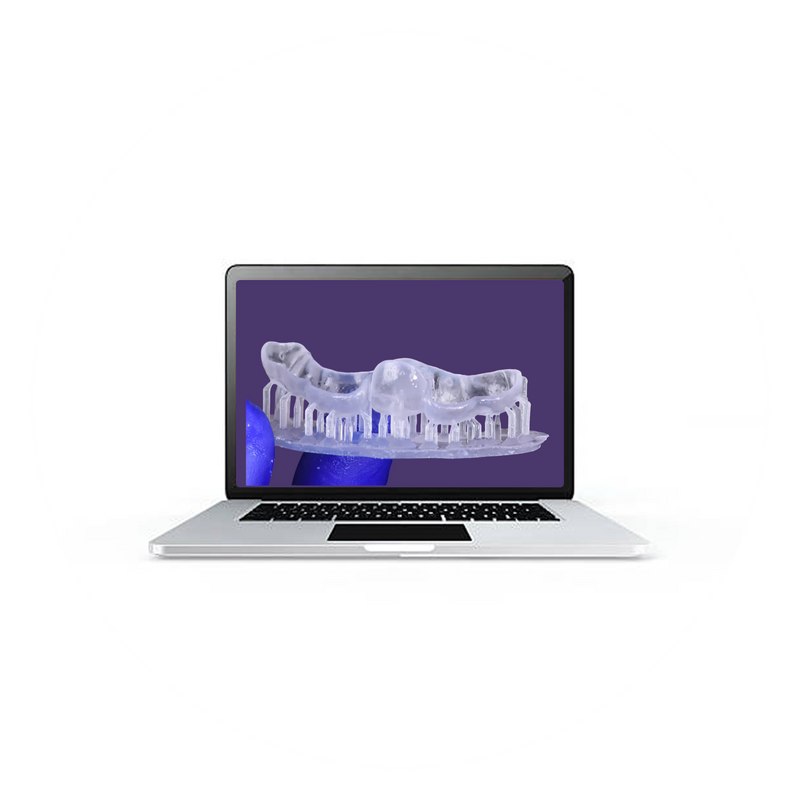

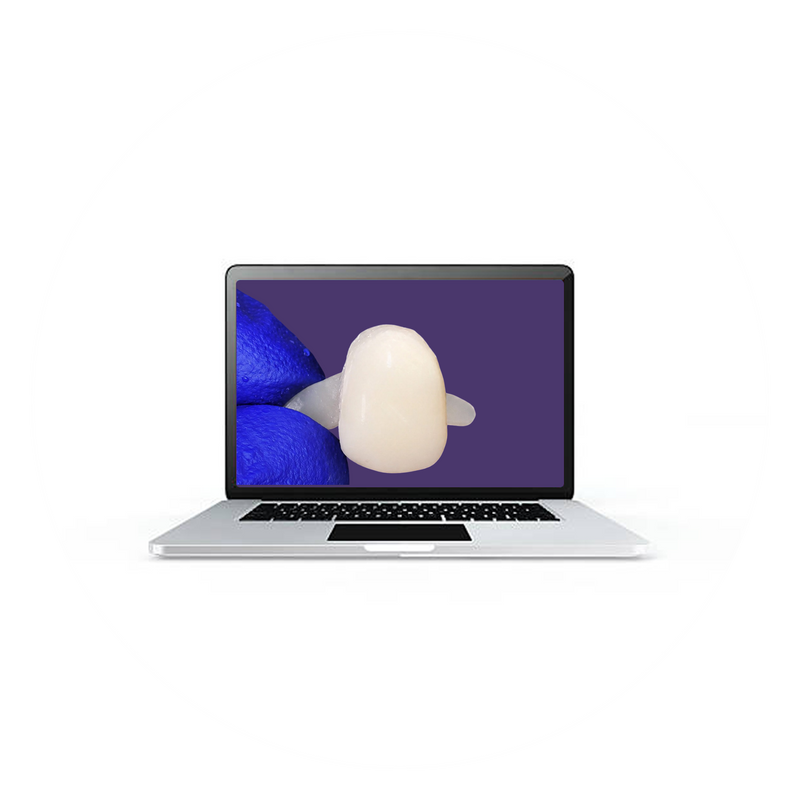
✔️ 5. Custom Abutment Design
✔️ 6. Screw-type Implant Crown
✔️ 7. Zirconia Custom Abutment
✔️ 8. Palatal Stent
✔️ 9. Clip-on Mock-Up
✔️ 10. Wax-up Model
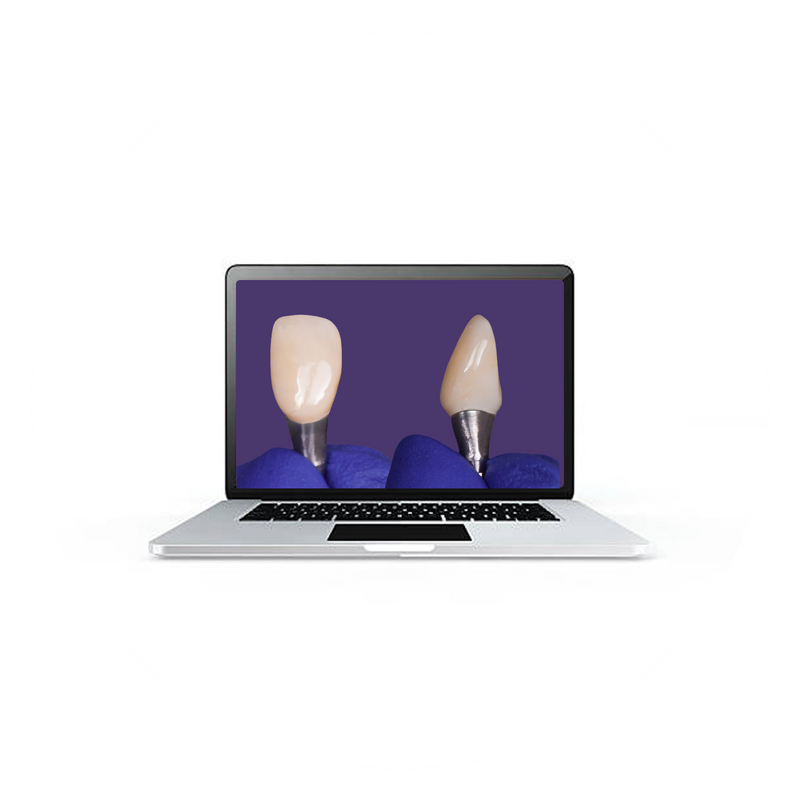
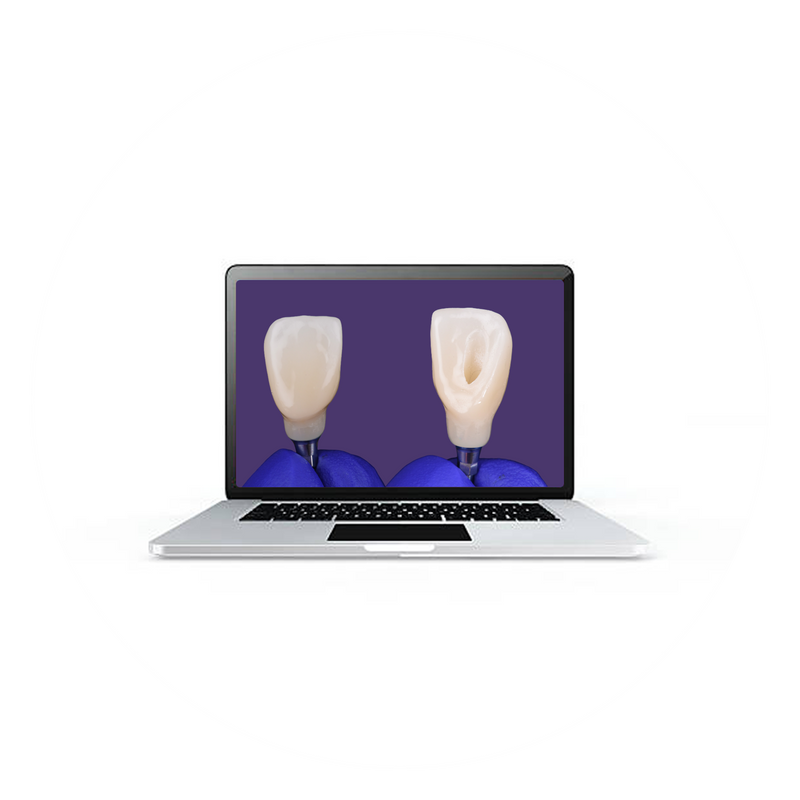
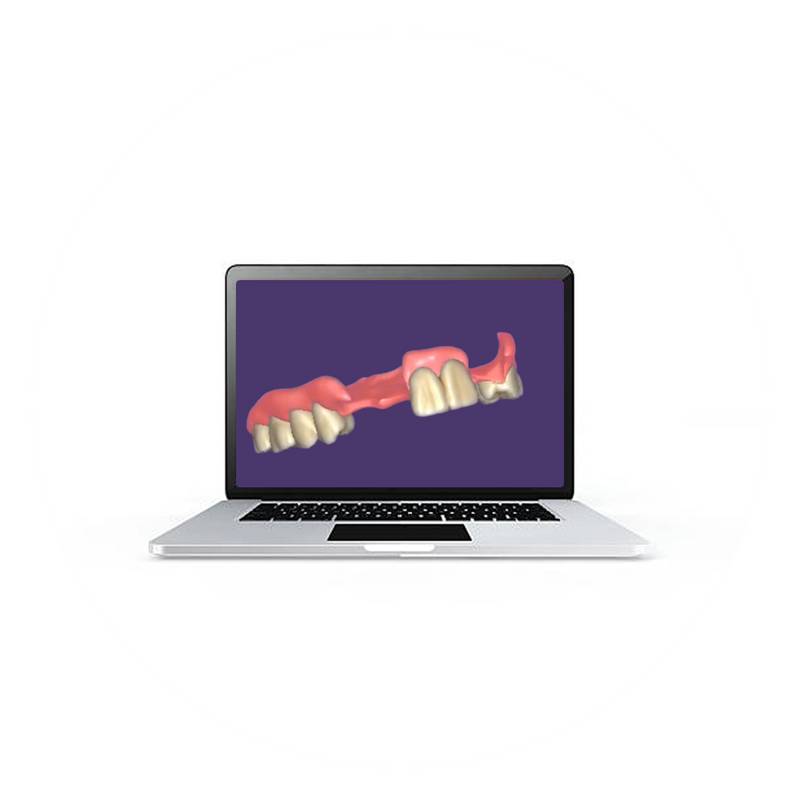
✔️ 1. Partial Denture
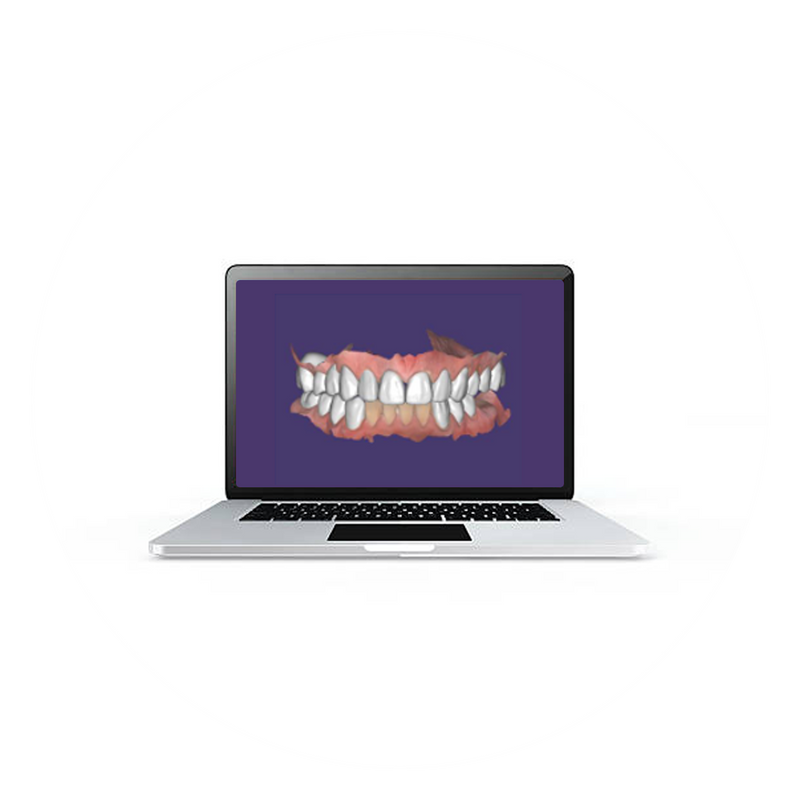
✔️ 2. Full Arch Design -Immediate Provisional Workflow
✔️ 3. Full Arch Final Deisgn (FP1 or FP3)



▪️Features ▪️
✔️ Digital Planning & Execution Workflow (Step-by-Step)
✔️ Exocad Design Training

▪️Features ▪️
✔️ Full Arch Case Tx Planning Approach
✔️ Surgical Phase with Immediate loading Workflow
✔️ Restorative Phase Workflow
✔️ Exocad Design Training
✔️ BlueskbyBio Training


